A home office that protects the body comes down to measured placement, not expensive furniture. The Canadian Centre for Occupational Health and Safety advises that an arm's length is usually a good estimation of monitor distance, with the screen's top no higher than eye level. Britain's HSE adds the rest: breaks, task changes, and an eye test.
Where should the monitor actually sit?
Start with distance. CCOHS, whose fact sheet on monitor positioning was last revised in November 2022, states that generally speaking, an arm's length is usually a good estimation of how far the monitor should be positioned, and notes that the resting point of accommodation, the distance at which the eye's focusing muscles relax, is typically around 80 centimetres, about 31.5 inches, generally increasing with age. The practical instruction that follows is elegant: it is better to increase the font size than to force a shorter viewing distance. Leaning in is a settings problem, not a posture solution.
Height comes next. The guidance is direct: make sure that the top of the screen is not at a level higher than the operator's eye, and CCOHS adds that it is reasonable to place the monitor at about 15 degrees, or slightly lower, below the horizontal line of sight. Wearers of bifocals, trifocals, and progressive lenses may find placing the top of the monitor slightly below eye level more comfortable, since tipped-head reading through a lens's lower zone strains the neck.
In room terms, this usually means the screen rises and the desk does not. A laptop is the hardest case, because its screen and keyboard are welded at an unhelpful distance apart; the institutional guidance implies the fix, an external keyboard and a riser, without ever naming products. Follow the CCOHS monitor positioning sheet and the hardware shopping list writes itself.
How do laptops and small desks change the equation?
The laptop is the antagonist of every rule above, because its screen and keyboard share one hinge and cannot satisfy the height and distance guidance at the same time. Raise the screen to eye level and the keyboard climbs out of reach; keep the keyboard at the elbows and the screen sinks below every documented threshold. The institutional fix is implied rather than branded: separate the two functions with an external keyboard and a riser, books or a stand, so each half of the machine can sit where the guidance wants it.
Small desks compound the problem mainly by inviting clutter into the measured zone. The distance to the monitor is non-negotiable, so in a tight room the desk's depth, not its width, is the dimension worth protecting. If the wall cannot give an arm's length, the CCOHS hierarchy of fixes still applies: enlarge the on-screen type before shortening the viewing distance, and let the furniture lose the argument to the optics.
The dual-screen case follows the same logic with one addition: the primary screen holds the measured position, and anything glanced at rather than read sits to the side, angled so the neck turns rather than tilts. Nothing about a small home office prevents compliance; it only concentrates it into two decisions, screen position and keyboard position, made once and defended forever.
How often should you take breaks from screen work?
Here the strongest documented guidance is regulatory. The HSE's display screen equipment pages, updated March 2025, explain that the Health and Safety (Display Screen Equipment) Regulations apply to workers who use DSE daily, for continuous periods of an hour or more. Those workers, the executive notes, can experience pain in necks, shoulders, backs, arms, wrists and hands as well as fatigue and eye strain from incorrect DSE use or badly designed workstations.
The employer duties the HSE lists translate cleanly into self-employment at home: a workstation assessment, breaks or task changes to reduce risk, training and information, and an eye test on request. A reader working for themselves is doing all four jobs at once, which is precisely why the habits deserve scheduling rather than intention. A short walk between calls is not a perk in this framework; it is the control measure.
The hour threshold is worth internalising. Below sixty continuous minutes the regulations lose interest, and so, mostly, does the body. Designing the day in sub-hour blocks with genuine gaps, coffee made away from the desk, calls taken standing, is ergonomics implemented by the calendar rather than the credit card.
What about the chair, desk, and the rest of the room?
The institutional guidance is quieter on furniture than the internet is, and the silence is instructive: adjustability and fit outrank brand and price. The CCOHS fact-sheet library pairs its monitor guidance with sheets on chair adjustment, keyboard selection and use, and sit-stand desks, treating each as an adjustment problem solved on the worker's own dimensions. Thighs roughly level, feet supported, elbows near the desk surface, screen per the rules above: that sequence, in that order, is the whole setup.
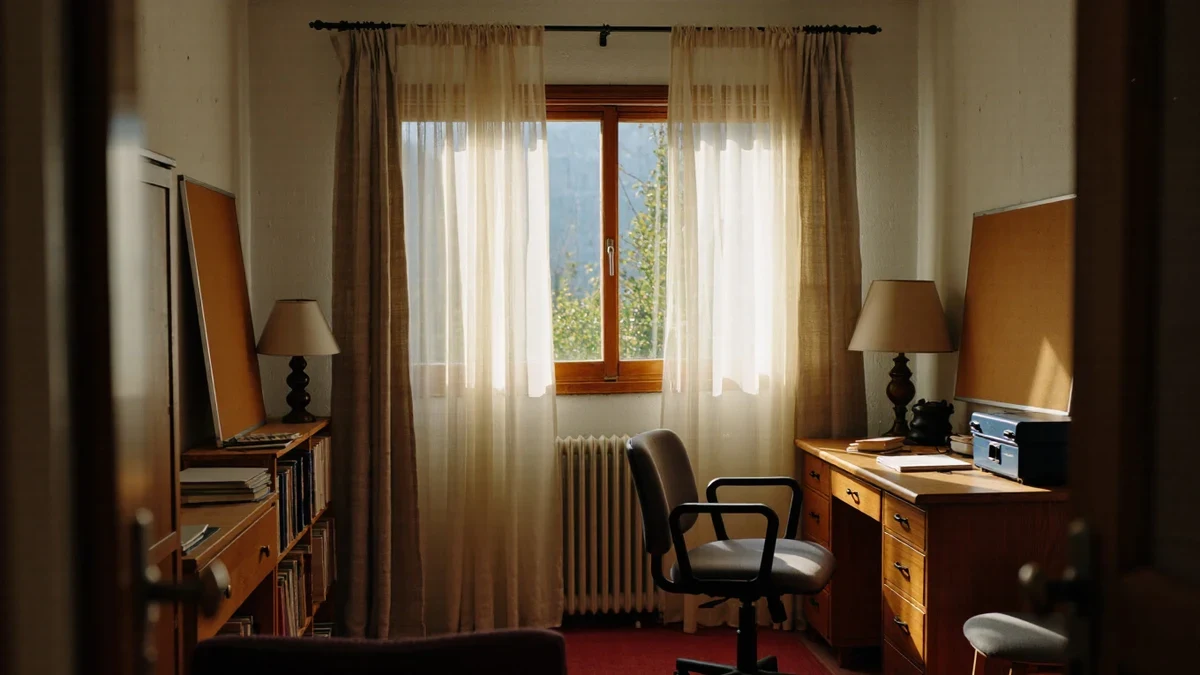
For the room itself, the same bodies apply. Daylight from the side rather than behind the screen controls glare; a lamp that lights the task and not the monitor carries the evenings; and a closed door, where the floor plan allows, is the acoustic ergonomics no fact sheet needs to prove. The table below condenses the documented numbers:
| Adjustment | Documented guidance | Source |
|---|---|---|
| Monitor distance | About an arm's length; resting point near 80 cm (31.5 in) | CCOHS |
| Screen height | Top of screen not above eye level; about 15 degrees below horizontal is reasonable | CCOHS |
| Lens wearers | Top of monitor slightly below eye level may be more comfortable | CCOHS |
| Breaks | Regulations target daily use of an hour or more continuously; reduce risk via breaks or task changes | HSE |
| Eye tests | Provided on request to covered DSE users | HSE |
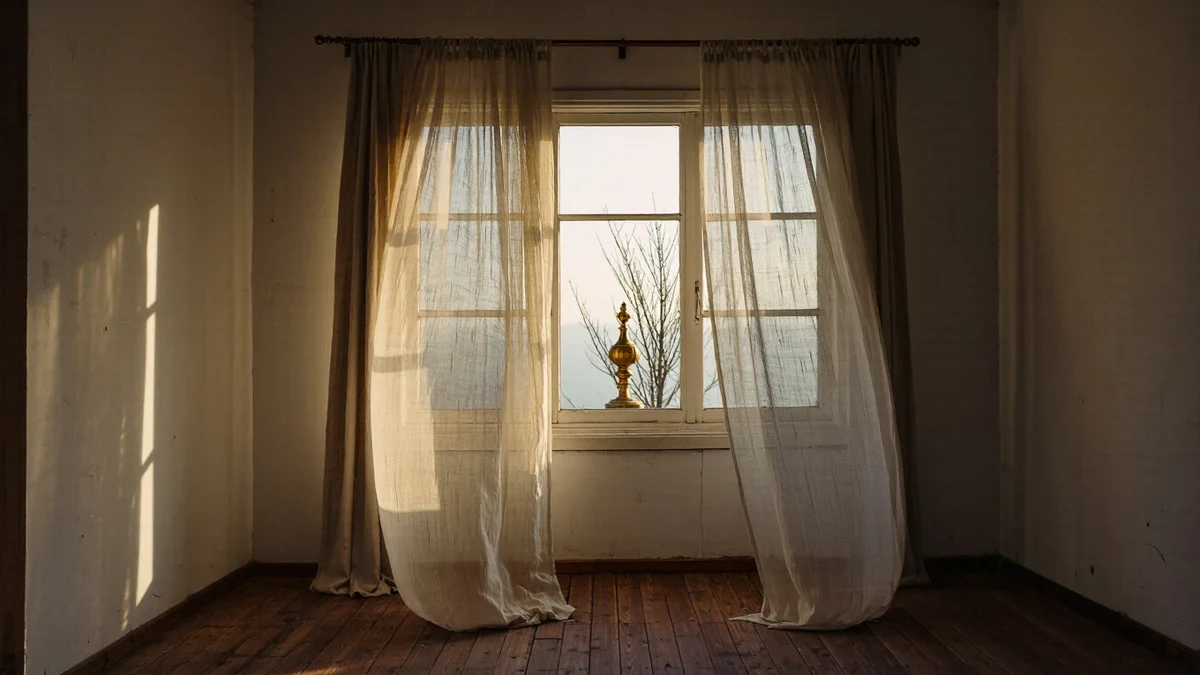
Daylight deserves the last word because it is the adjustment no fact sheet measures and every eye enforces. A window behind the screen throws glare across the work; a window directly behind the reader silhouettes them to themselves and strains the contrast. Side light, arriving across the desk rather than along the sightline, is the classical studio arrangement for exactly this reason, and it costs nothing but furniture placement. Where the architecture refuses, a sheer curtain is the honest instrument: it diffuses rather than blocks, which is the same favour it does a living room.
Treat the list as the room's specification. Every decorating decision in a home office, from paint sheen to rug pile, either supports these numbers or quietly fights them, and the room always wins the argument with the body eventually. Set the screen first, schedule the breaks second, and let the beautiful parts organise themselves around a spine that is finally being listened to.